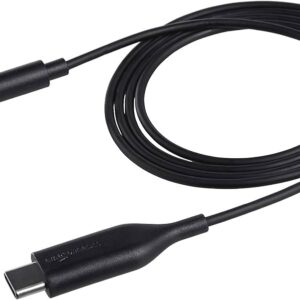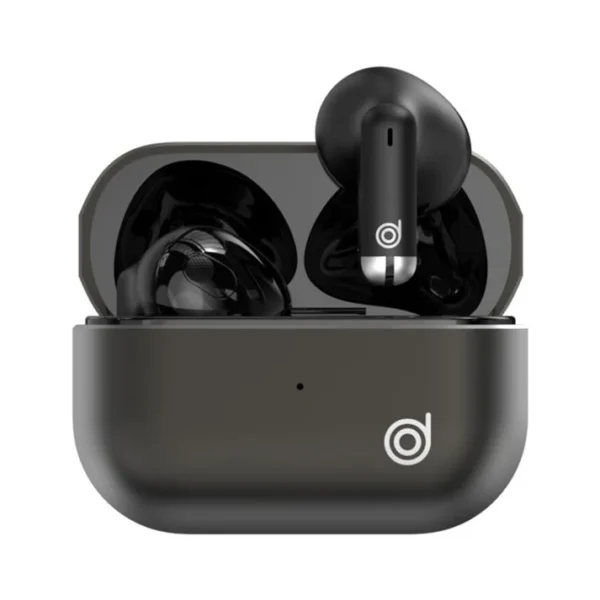
DIGIFON BOOM AIR HIFI BLACK SE

Description
DIGIFON BOOM AIR HIFI BLACK SE
Elevate your audio experience with the DIGIFON Boom Air HiFi Black SE. This sophisticated HiFi speaker combines state-of-the-art audio technology with a sleek black design, delivering outstanding sound quality and a modern aesthetic to complement any space.
Key Features:
Exceptional Sound Quality: The Boom Air HiFi Black SE features advanced acoustic engineering to provide crystal-clear sound, deep bass, and rich, immersive audio that fills any room.
Wireless Connectivity: Enjoy seamless music streaming with Bluetooth connectivity. Pair your devices effortlessly and enjoy your favorite playlists, podcasts, and more without the hassle of wires.
Elegant Design: Crafted with a sleek black finish, the Boom Air HiFi Black SE not only sounds great but also looks stunning. Its contemporary design ensures it fits perfectly in any setting, from your living room to your office.
User-Friendly Interface: Intuitive touch controls make it easy to adjust volume, switch tracks, and manage playback. The LED indicators provide clear feedback for all your commands.
Long Battery Life: With a robust built-in battery, the Boom Air HiFi Black SE offers extended playtime, allowing you to enjoy your music for hours on end without needing to recharge frequently.
Versatile Connectivity Options: In addition to Bluetooth, the speaker includes auxiliary input and USB ports, offering multiple ways to connect and play your music.
Specifications:
- Model: DIGIFON Boom Air HiFi Black SE
- Color: Black
- Connectivity: Bluetooth, Auxiliary Input, USB
- Battery Life: Up to 12 hours of playtime
- Dimensions: 250mm x 150mm x 150mm
- Weight: 1.5 kg
- Sound Output: 20W RMS
- Frequency Response: 60Hz – 20kHz
- Controls: Touch interface with LED indicators
Usage Instructions:
- Power On: Press the power button to turn on the speaker.
- Pairing: Enable Bluetooth on your device and select “DIGIFON Boom Air HiFi Black SE” from the list of available devices.
- Playback: Use the touch controls to play, pause, skip tracks, and adjust volume. Alternatively, connect your device via the auxiliary input or USB port.
- Charging: Connect the provided power adapter to the speaker and a power source to recharge the battery.