ANKER POWERLINE SELECT + 3FT USB-C TO USB-A 2.0

Description
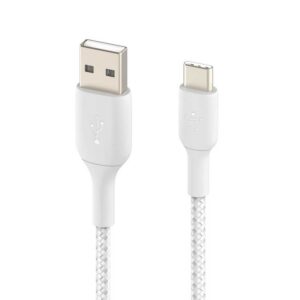
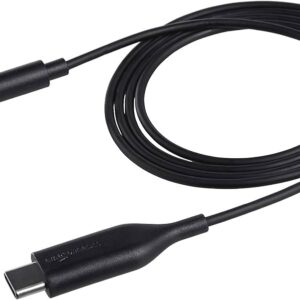
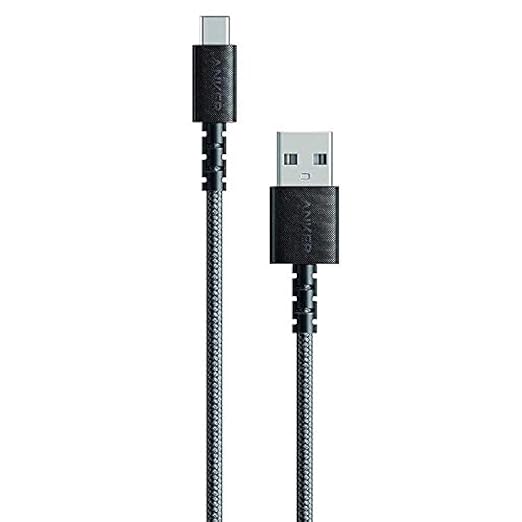
Anker PowerLine Select+ 3ft USB-C to USB-A 2.0 Cable
Upgrade your charging and data transfer experience with the Anker PowerLine Select+ 3ft USB-C to USB-A 2.0 Cable. Known for its durability and high performance, this cable is designed to meet all your connectivity needs with ease. Whether you’re syncing data, charging your devices, or connecting peripherals, the PowerLine Select+ ensures fast and reliable performance every time.
Key Features:
High-Speed Data Transfer: Enjoy rapid data transfer speeds of up to 480 Mbps, allowing you to quickly sync your photos, videos, music, and more.
Reliable Charging: The Anker PowerLine Select +provides consistent and efficient charging for your devices. Its universal compatibility makes it perfect for smartphones, tablets, and other USB-C enabled devices.
Durable Design: Built to last, the Anker PowerLine Select+ features reinforced connectors and a robust exterior. The durable design ensures the cable withstands daily wear and tear, offering a long-lasting solution for your charging and data transfer needs.
Compact and Convenient: At 3 feet in length, this cable is the ideal size for everyday use. It’s compact enough for easy storage and travel, yet long enough to provide the flexibility you need.
Universal Compatibility: Compatible with a wide range of USB-C devices, including smartphones, tablets, laptops, and more. Whether you’re connecting to a USB-A port on your computer or a USB-A charger, the PowerLine Select+ ensures seamless connectivity.
Specifications:
- Model: Anker PowerLine Select+ USB-C to USB-A 2.0 Cable
- Length: 3 feet (0.9 meters)
- Data Transfer Speed: Up to 480 Mbps
- Color: Black
- Connector Type: USB-C to USB-A 2.0
- Material: Durable and flexible PVC jacket
What’s in the Box:
- 3ft USB-C to USB-A 2.0 Cable
- Welcome Guide
Usage Instructions:
- Connecting Devices: Plug the USB-A end of the cable into your charger or computer, and the USB-C end into your device.
- Data Transfer: For data transfer, ensure both devices are powered on and correctly connected.
- Charging: Use the cable with any USB-A charger to charge your USB-C enabled device efficiently.