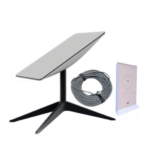
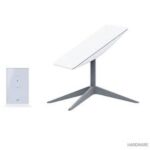
Starlink Standard Kit
₦710,000.00
28 people are viewing this right now

Guaranteed safe & secure checkout
Questions
Description
Description
Starlink Standard Kit
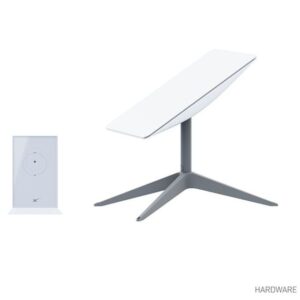
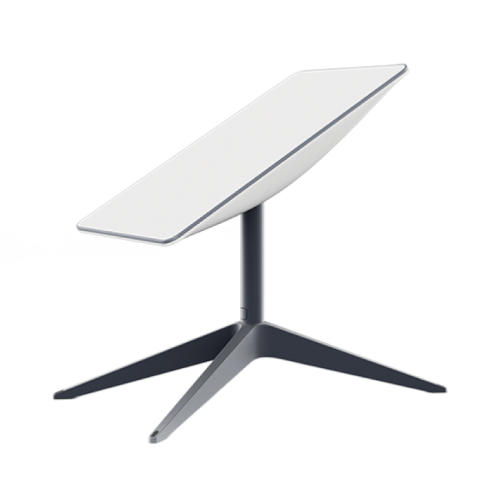
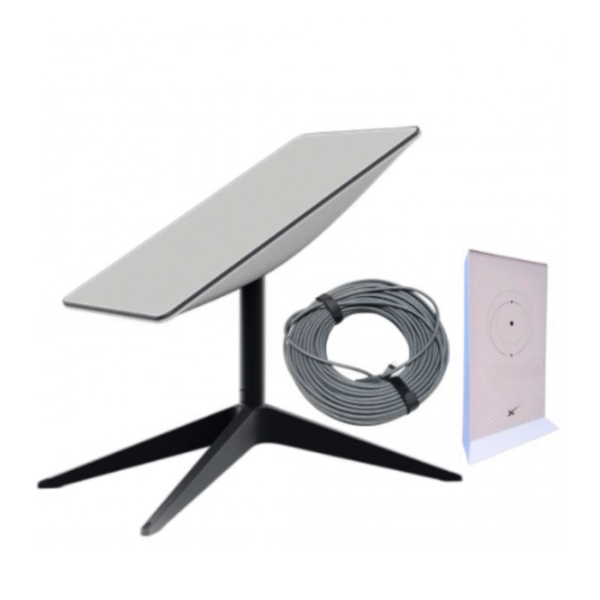
Stay connected with the Starlink Standard Kit, offering high-speed internet to remote and rural areas. The Starlink Standard Kit includes a satellite dish, Wi-Fi router, power supply, cables, and mounting tripod, providing everything you need for easy setup and reliable internet connectivity. Ideal for those who need fast internet in areas where traditional options are limited.
Key Features:
- High-Speed Internet: Enjoy fast internet speeds with low latency, even in remote and rural areas. Perfect for streaming, video calls, online gaming, and more.
- Easy Setup: The Starlink kit includes everything you need for a quick and easy setup. Simply follow the instructions to connect and start using your high-speed internet.
- Reliable Connectivity: The satellite dish ensures a stable connection, providing consistent internet access regardless of your location.
- Wide Coverage: Starlink’s satellite network offers broad coverage, making it suitable for a variety of locations, including rural homes, cabins, and boats.
- Wi-Fi Router: The included Wi-Fi router ensures strong and fast wireless connectivity throughout your home or property.
- Portable Design: The mounting tripod allows for flexible installation options, making it easy to set up and move the system as needed.
Specifications:
- Satellite Dish Diameter: 23 inches (58 cm)
- Wi-Fi Router: Dual-band, 3×3 MIMO
- Coverage Area: Up to 200 feet (60 meters)
- Latency: Typically 20-40ms
- Download Speeds: Up to 150 Mbps
- Upload Speeds: Up to 20 Mbps
- Power Supply: 100-240V, 50-60Hz
- Operating Temperature: -30°C to 50°C (-22°F to 122°F)
What’s in the Box:
- Starlink Satellite Dish
- Wi-Fi Router
- Power Supply
- Cables
- Mounting Tripod
- User Manual
- Warranty Card
Usage Instructions:
- Unbox and Assemble: Unbox the Starlink Kit and assemble the satellite dish using the included mounting tripod.
- Connect: Connect the satellite dish to the Wi-Fi router using the provided cables.
- Power On: Plug in the power supply to the router and the dish, and power on the system.
- Position the Dish: Place the dish in a location with a clear view of the sky to ensure optimal connectivity.
- Configure Wi-Fi: Follow the instructions in the user manual to configure your Wi-Fi network and connect your devices.